PermitHunt for iOS & Android
PermitHunt.In the field.
Built for home inspectors, insurance agents, lenders, and builders. Search permits on site, access saved reports, and share findings with your clients and team.
Sign in with your existing PermitHunt account. Search usage is included in your account's monthly billing.
See it in action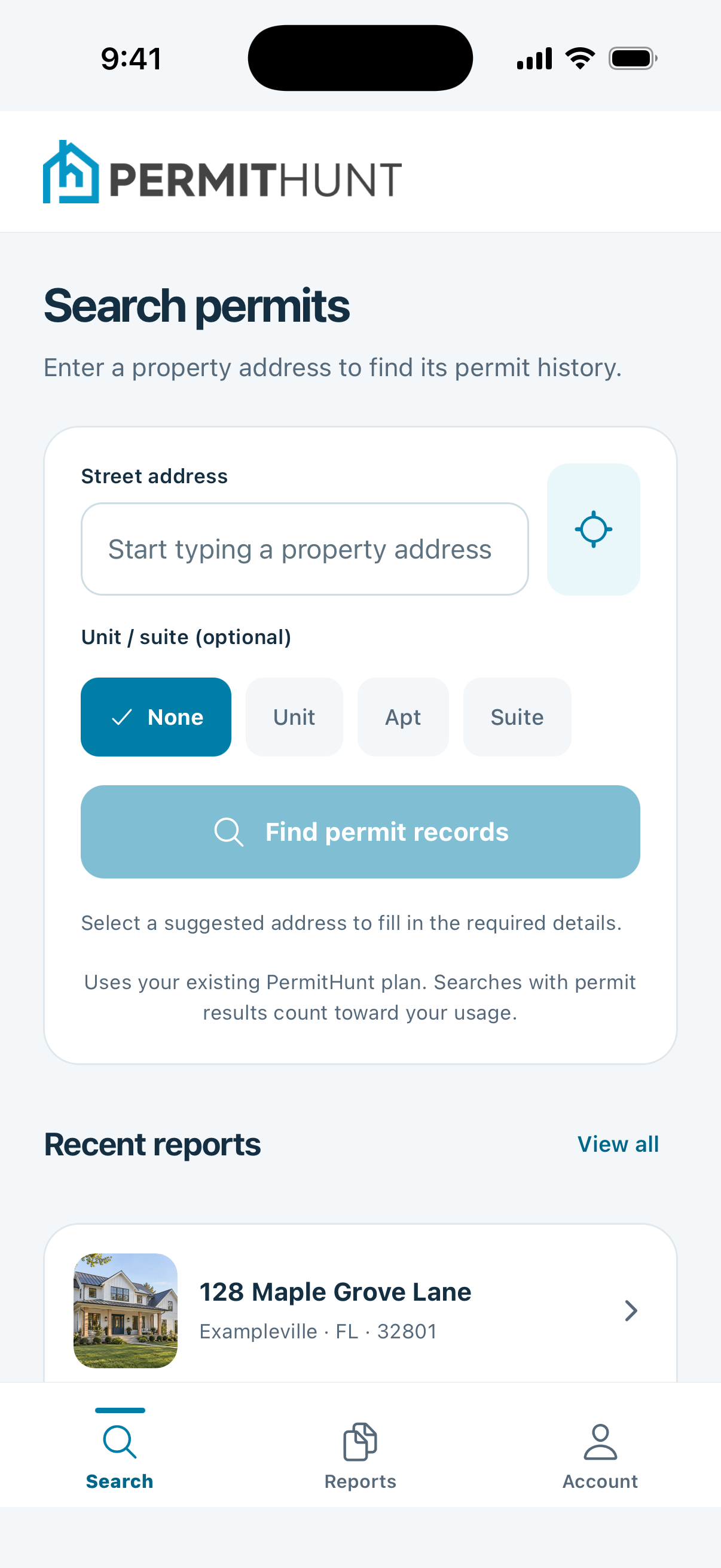
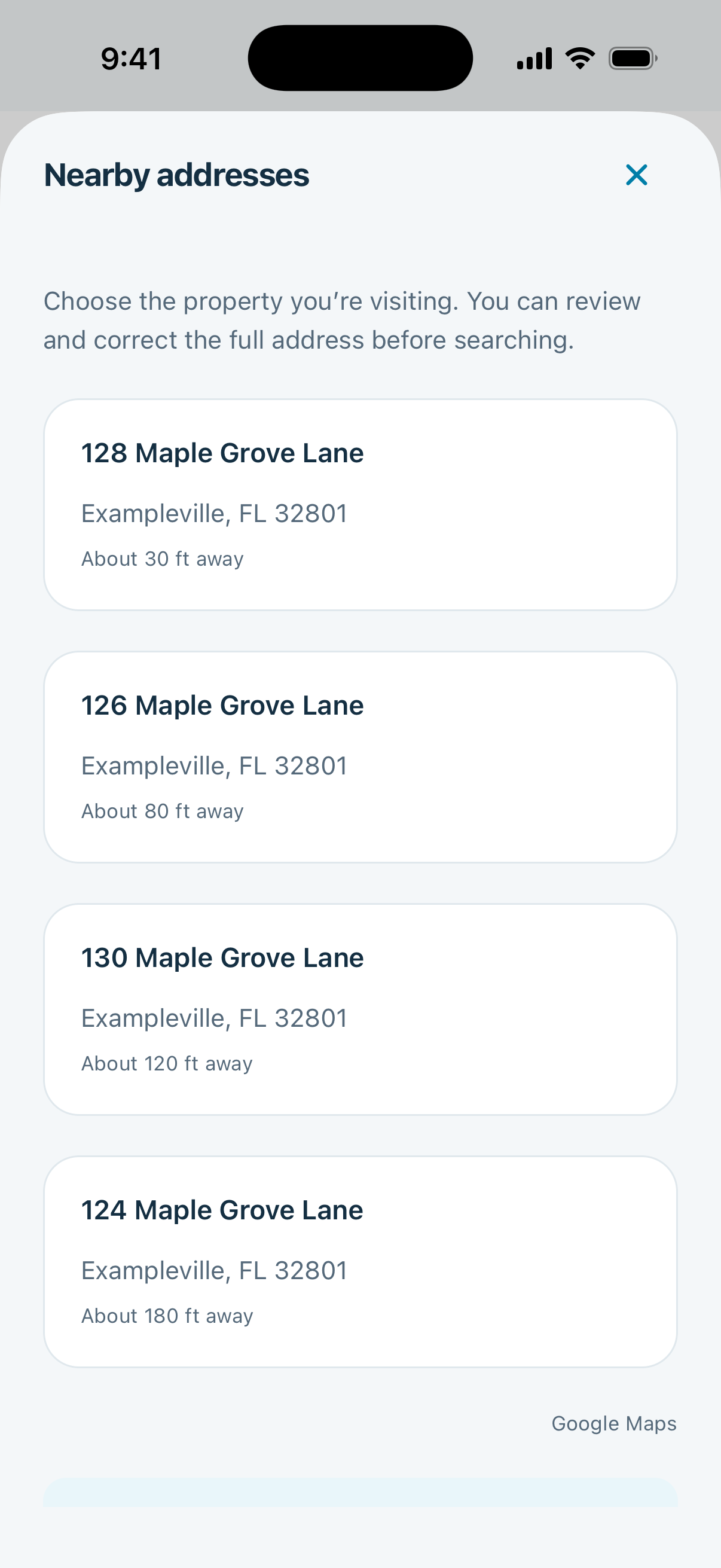
Search right where you're standing.
Pick up where you left off.
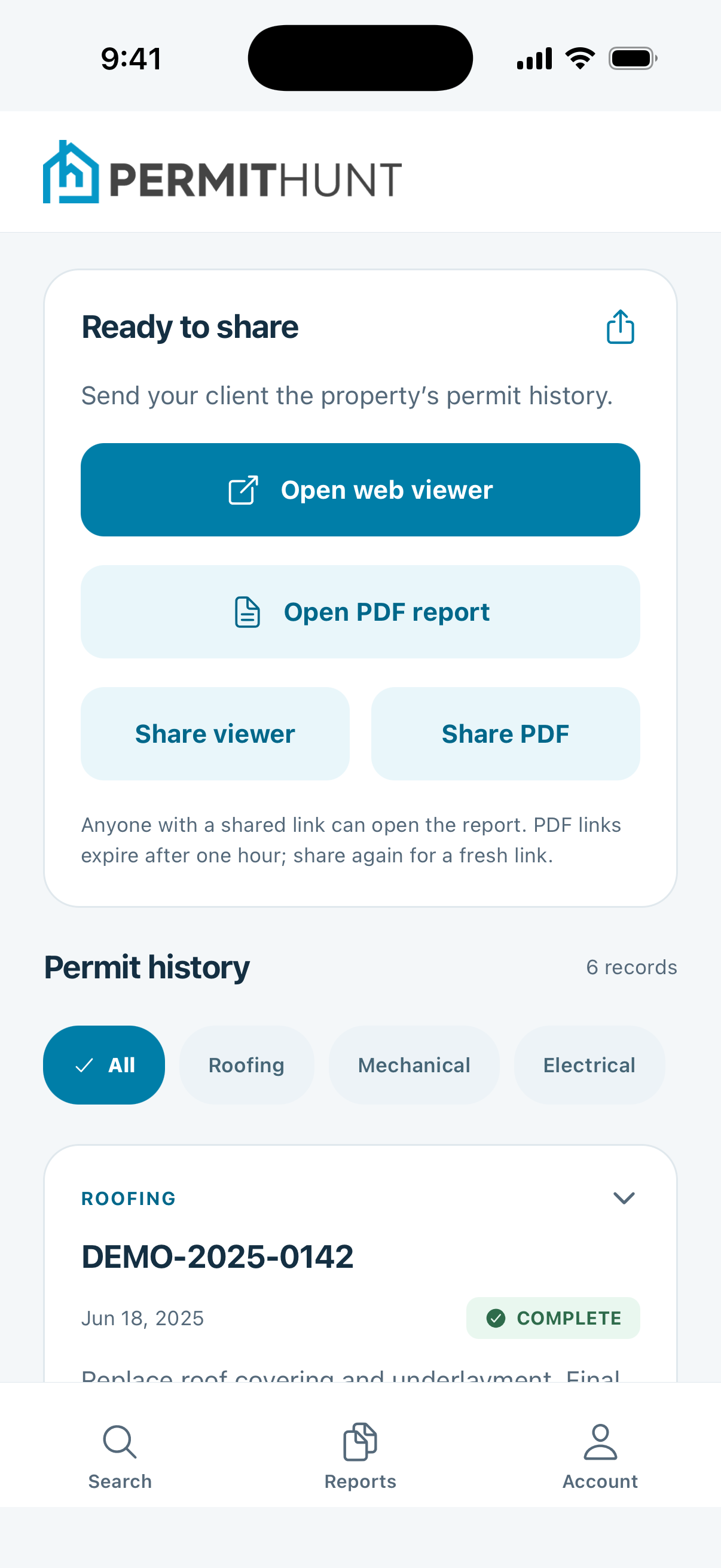
Send a report before you leave.
Less back-and-forth. More answers.
From the driveway
to the details.
Your permit research tools, ready for inspections and site visits.
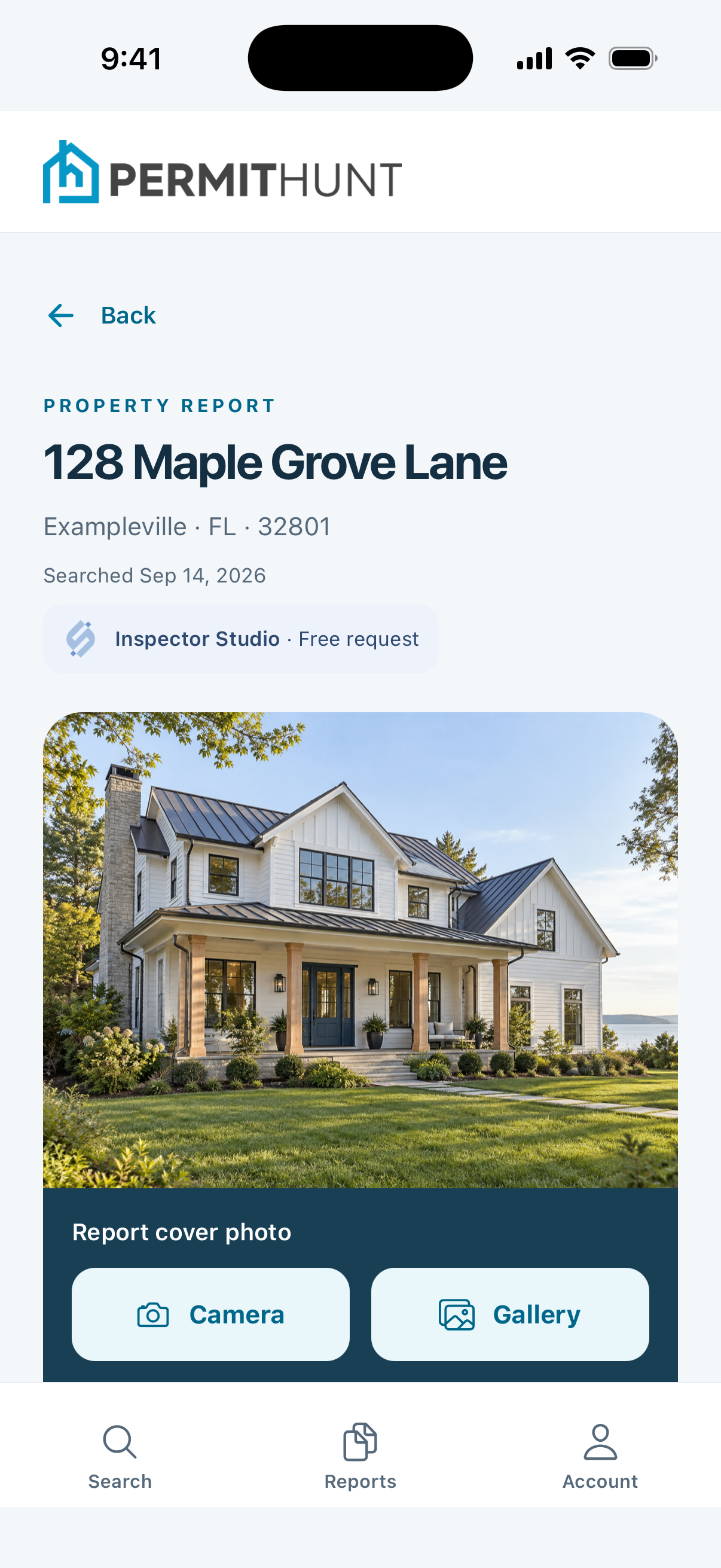
Give your report a familiar face.
Take a property photo on site or choose one from your gallery. Add it as the report cover for a clear, professional handoff to your client.
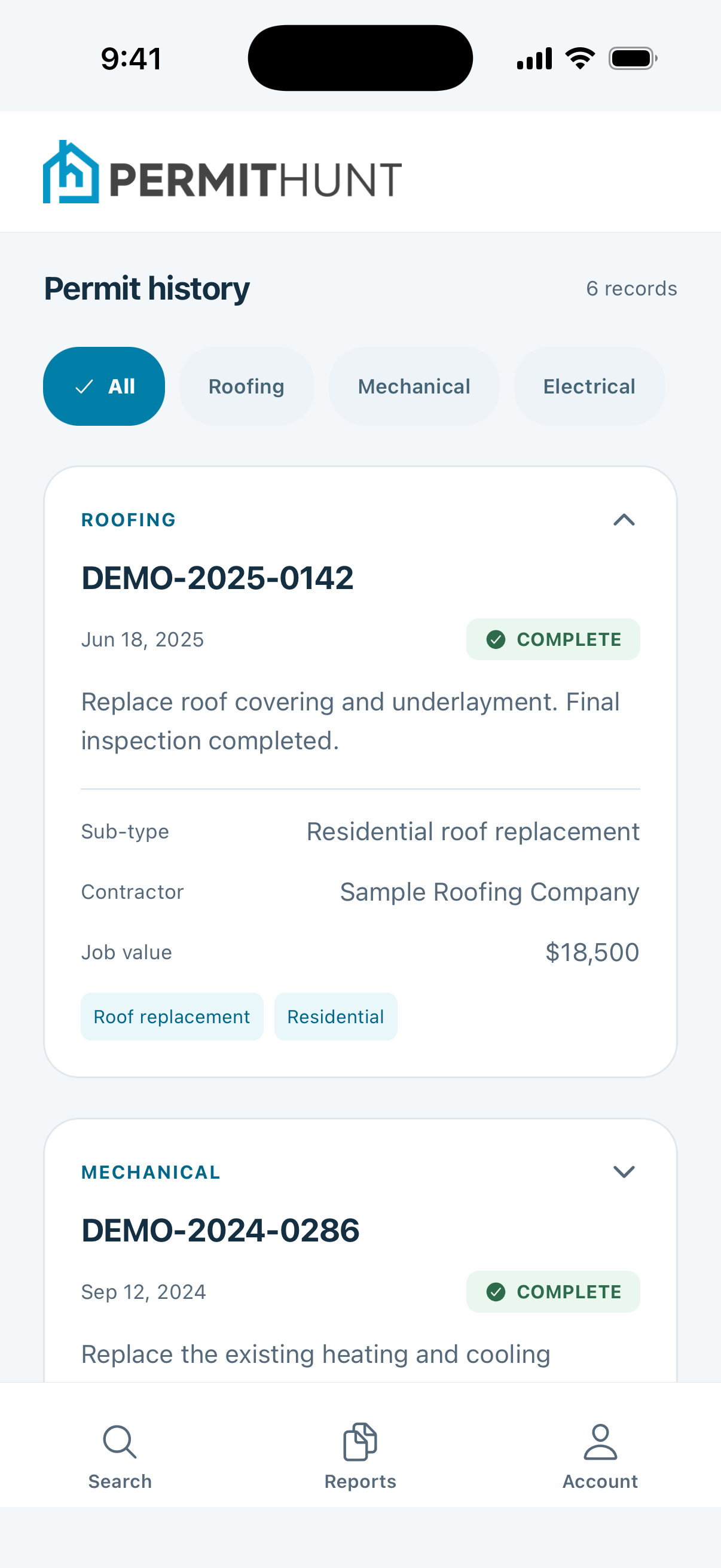
Keep your history close.
Access saved reports and find past searches by address. The work you've already done goes with you.
Make yourself at home.
Sign in with your PermitHunt account and choose a light or dark appearance. Pick up your work from the office or the field.
A few useful details
Before you
head out.
Already using PermitHunt?
Bring your work with you.
How do I access the app?
Sign in with your existing PermitHunt account. New permit searches require an active plan and count toward the same usage as searches on the web. Team members can access shared reports. Contact your account administrator if you need help with team access.
How are searches in the app billed?
PermitHunt uses post-paid monthly billing for search usage. Searches in the app and on the web count toward the same account plan. Billable usage is totaled during your billing period and billed after it ends. You do not buy search credits or make a separate payment for each search.
Which devices can I use?
PermitHunt is built for iPhone and iPad through the App Store, and Android phones and tablets through Google Play. You can also keep using PermitHunt on the web.
Does the app work offline?
An internet connection is required to search permit records, load saved reports, upload cover photos, and generate report links.
Do I have to allow location or camera access?
No. You can type an address without sharing your location, and use the app without taking photos. Location helps suggest nearby properties when you choose to use it; camera access lets you take report cover photos. You control these permissions in your device settings.
What permit information will I find?
The app searches the same available permit records as PermitHunt on the web. Coverage and details vary by property and jurisdiction. Reports can include permit dates, work descriptions, statuses, contractor information, and reported job values where available.

Your next stop.
Your next permit search.
Bring your permit research into the field.